GBG's Learning Portfolio

Always open to learning :)

Free Inquiry Project – 6 dinner recipes under $6!

I will be exploring how to make 6 different dinner recipes that cost no more than $6 to make per person. In the interest of this being my own exploration I will be creating recipes for a total of four people so that I can have leftovers!

The one caveat to this is that I will not be including the price of simple household ingredients such as vinegar, salt, sugar, pepper, oil etc..

I will label and take photos of all the ingredients purchased in the grocery store that will be used in the recipe and I will go through a step-by-step process of how to cook the meal!

Meal 1 – $6 Chicken noodle soup

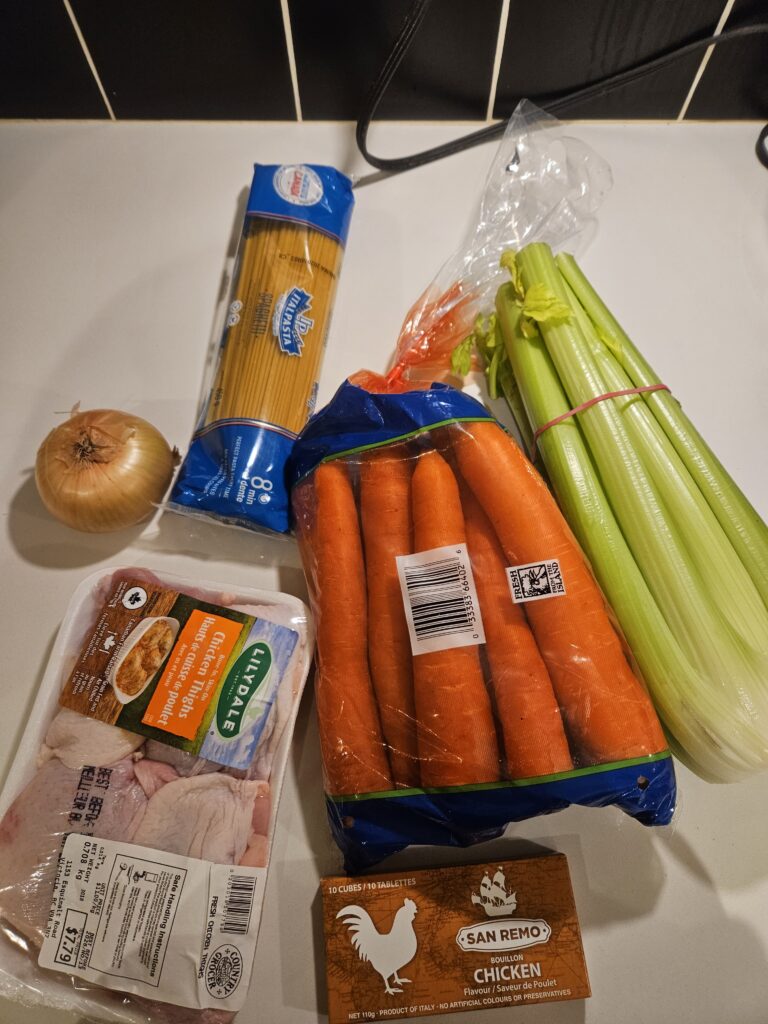
The ingredients needed for this recipe:

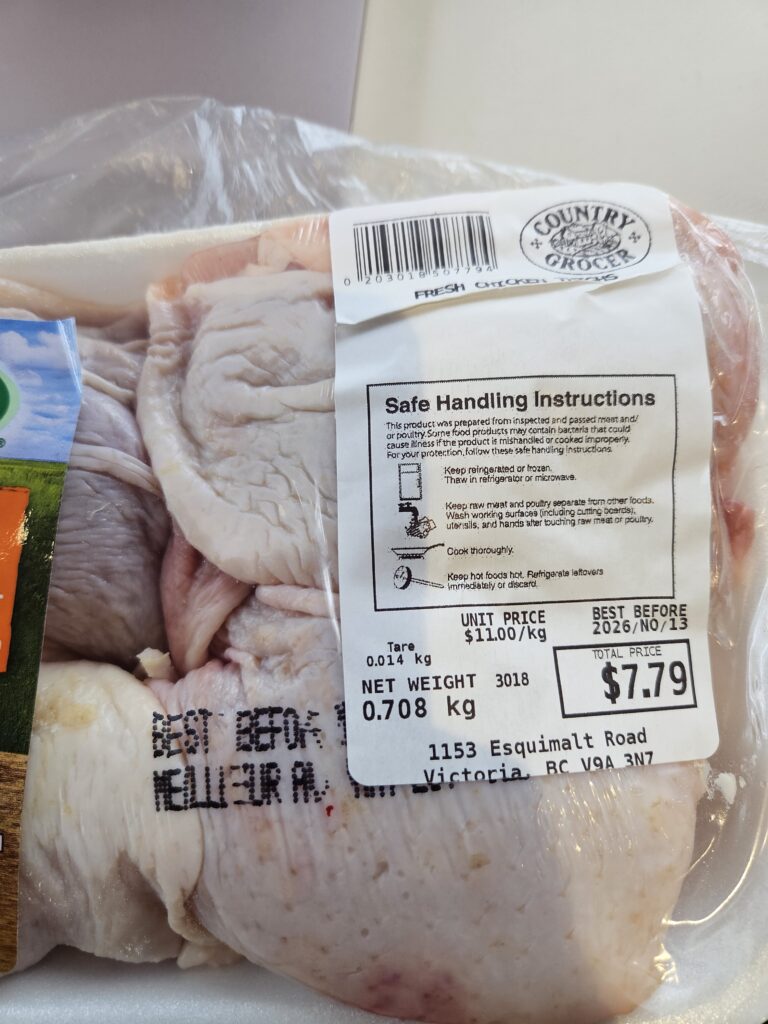
  • 4 chicken thighs
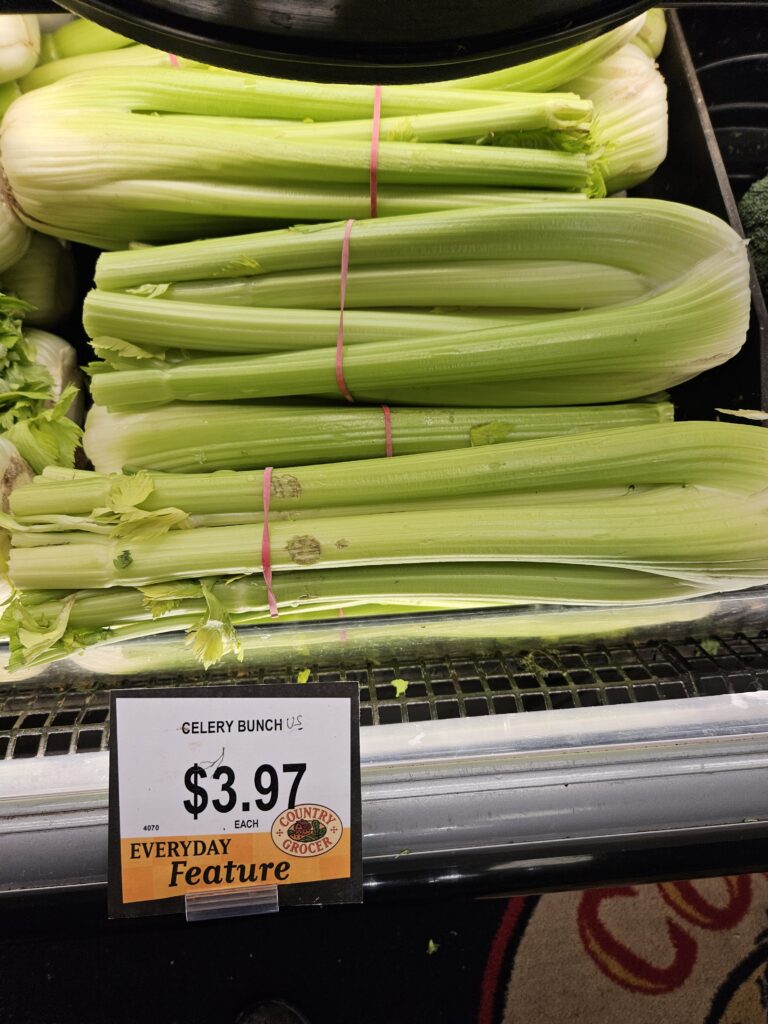
  • a head of celery
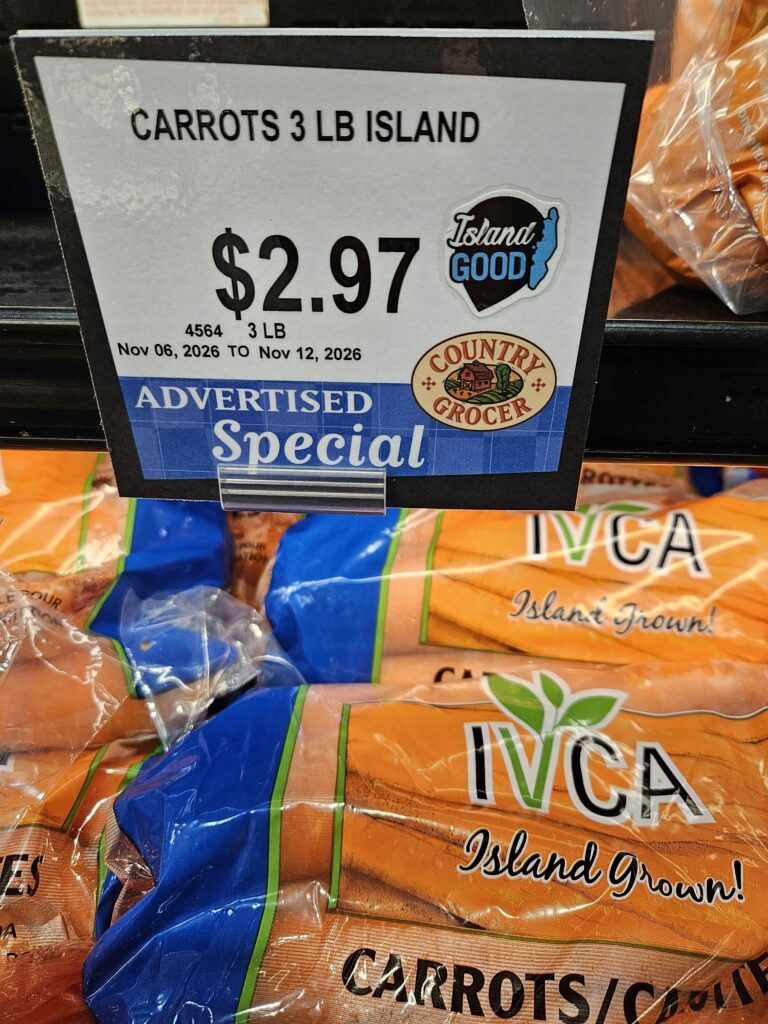
  • 5 carrots
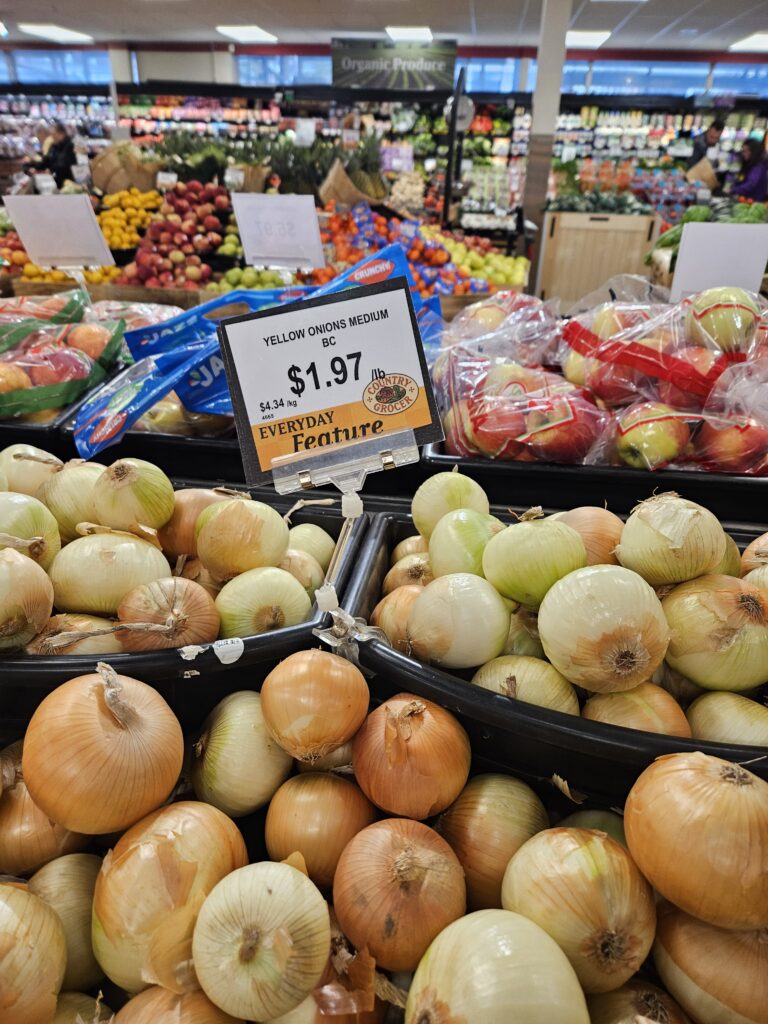
  • 1 onion
  • couple cloves of garlic
  • chicken broth cubes
  • a package of pasta
  • salt and pepper

I got the ingredients for the chicken noodle soup at Country Grocer (one of my favorite grocery stores)
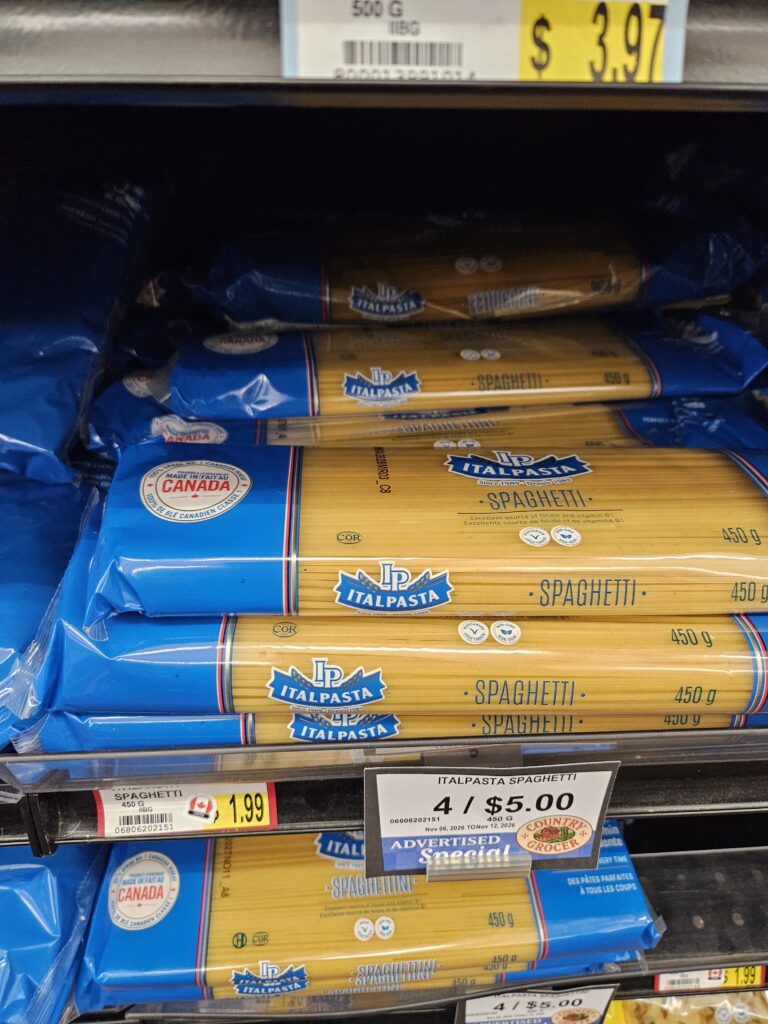
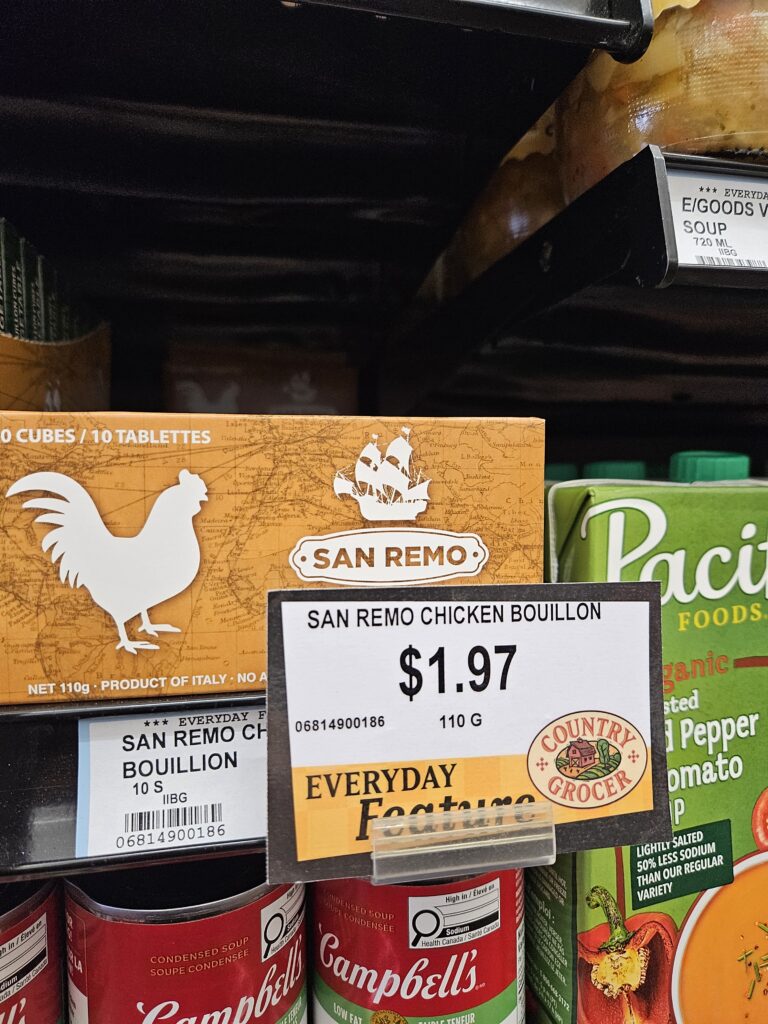
I spent a total of $15.29, see the prices of the ingredients above. Which will likely make an 6 serving soup rendering a price of $2.55 per bowl of soup.
Time to cook the chicken noodle soup!

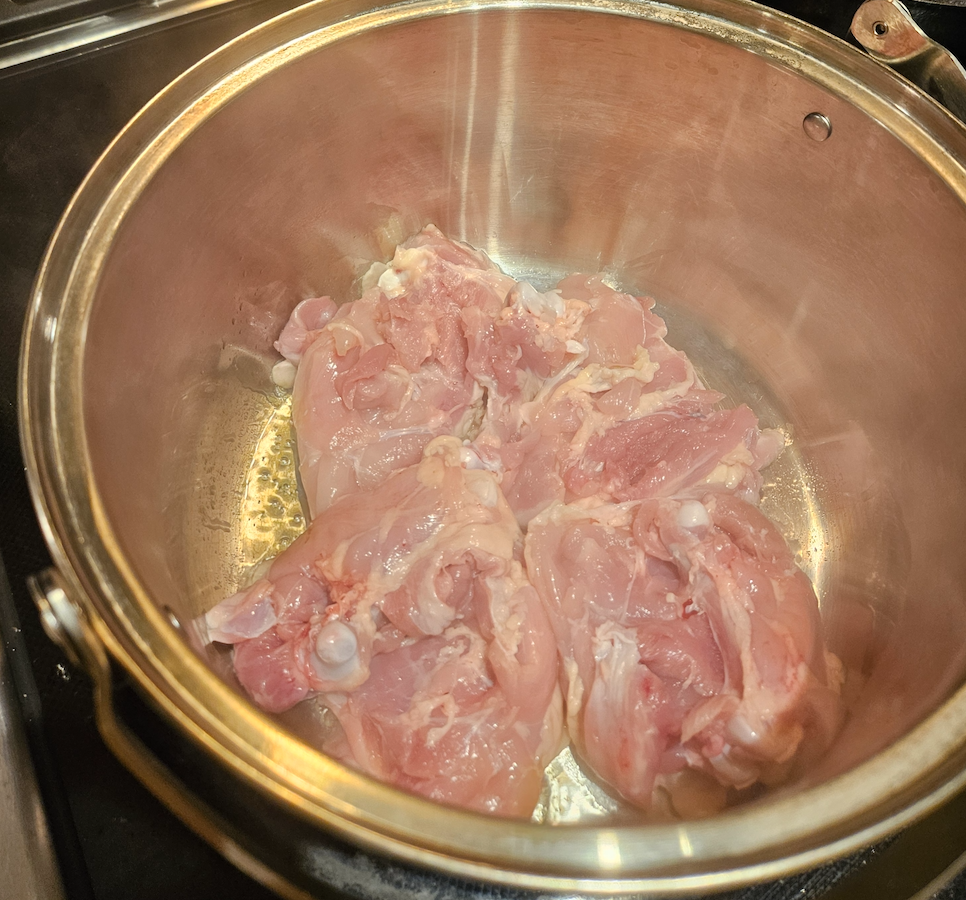
  1. Start by getting a large pot, placing it on medium heat and searing the chicken breast.
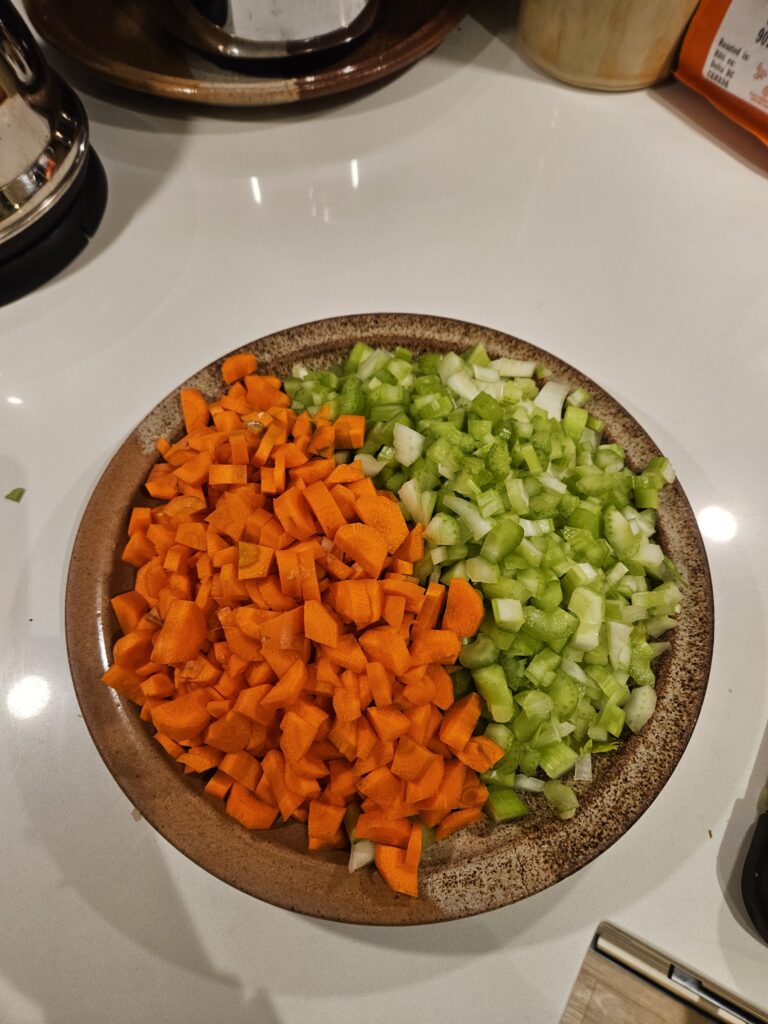
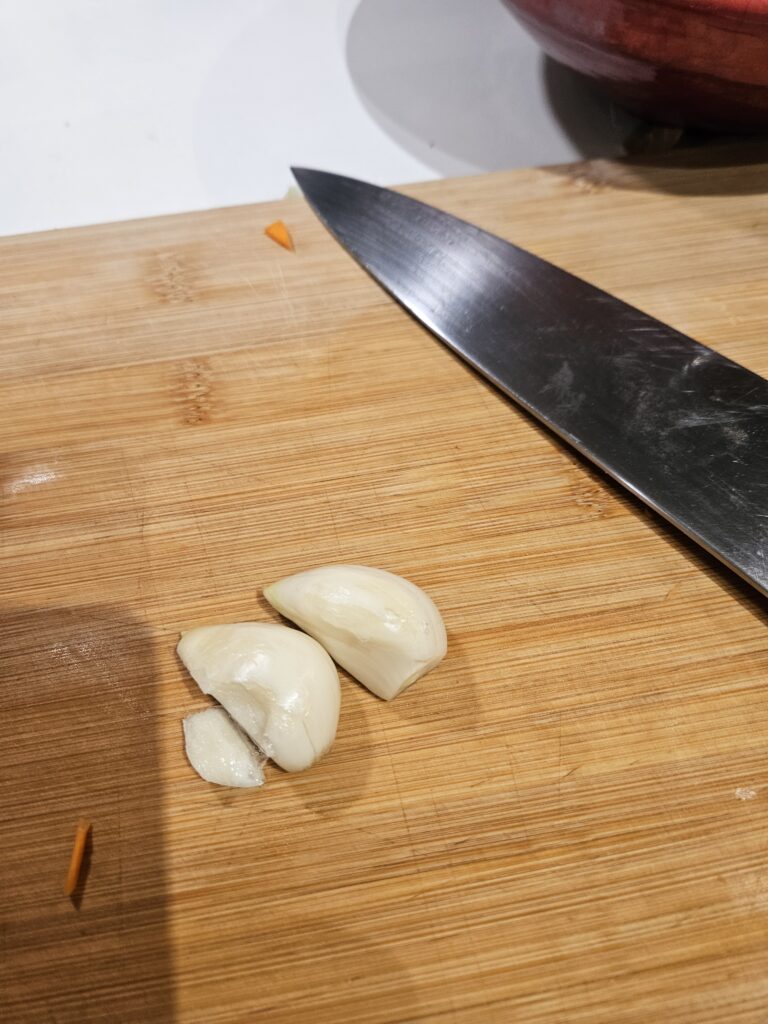
    2. While this is happening chop up your carrots, celery, and onions in relatively small pieces. Peel 2 to 3 gloves of garlic and put aside.
    3. Once the chicken breast have been seared remove them from the pot and place them on a clean plate, put aside.
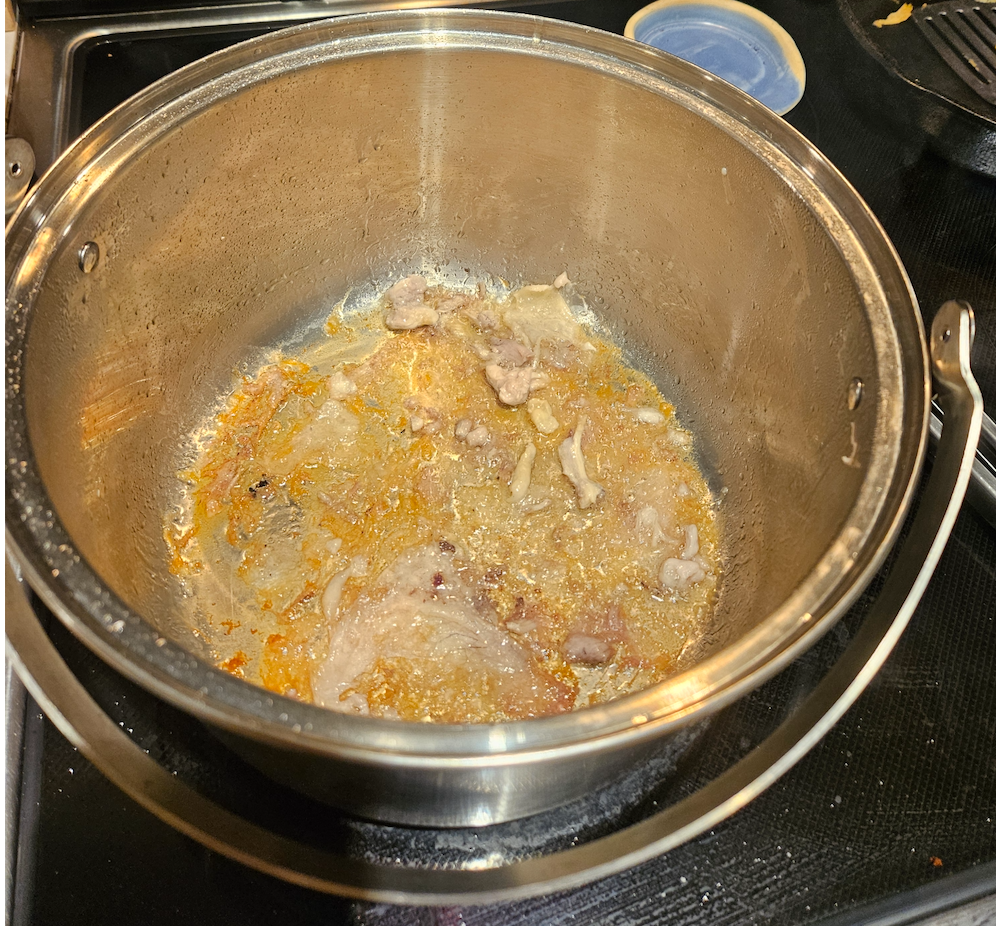
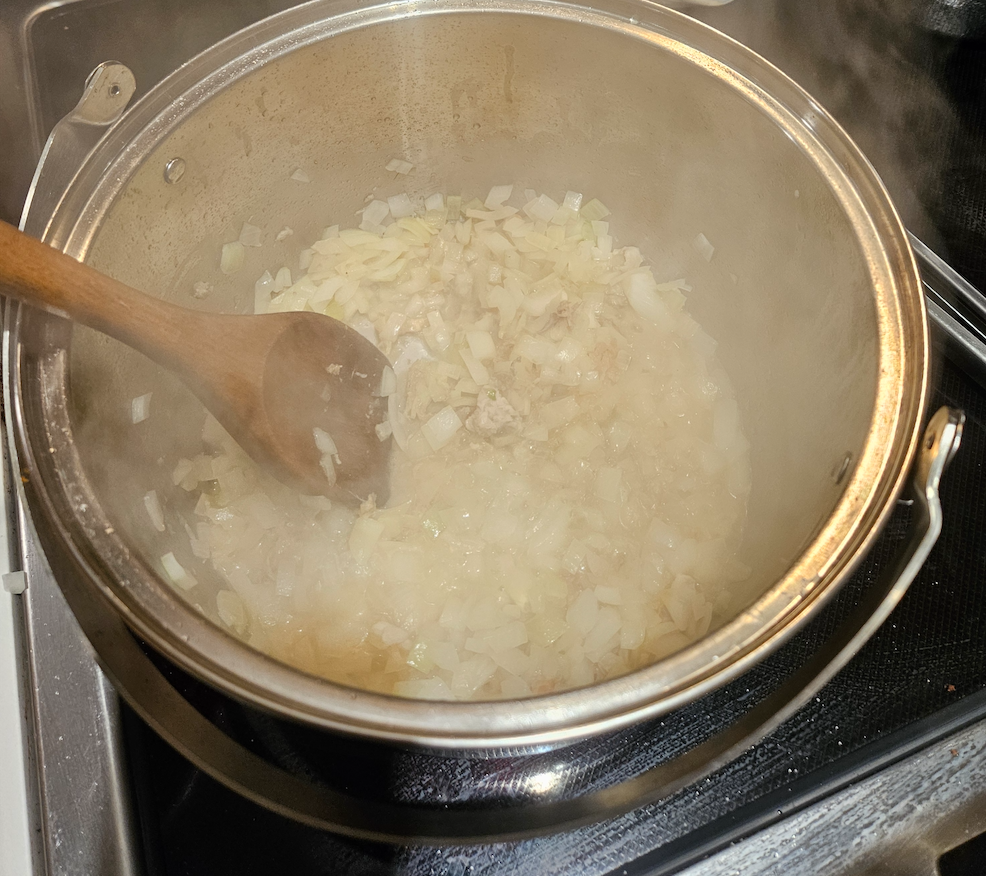
    4. Put your onions straight into the pot and cook until translucent (about 2 minutes) if they are sticking to the bottom of the pot just add half a cup of water to deglaze.
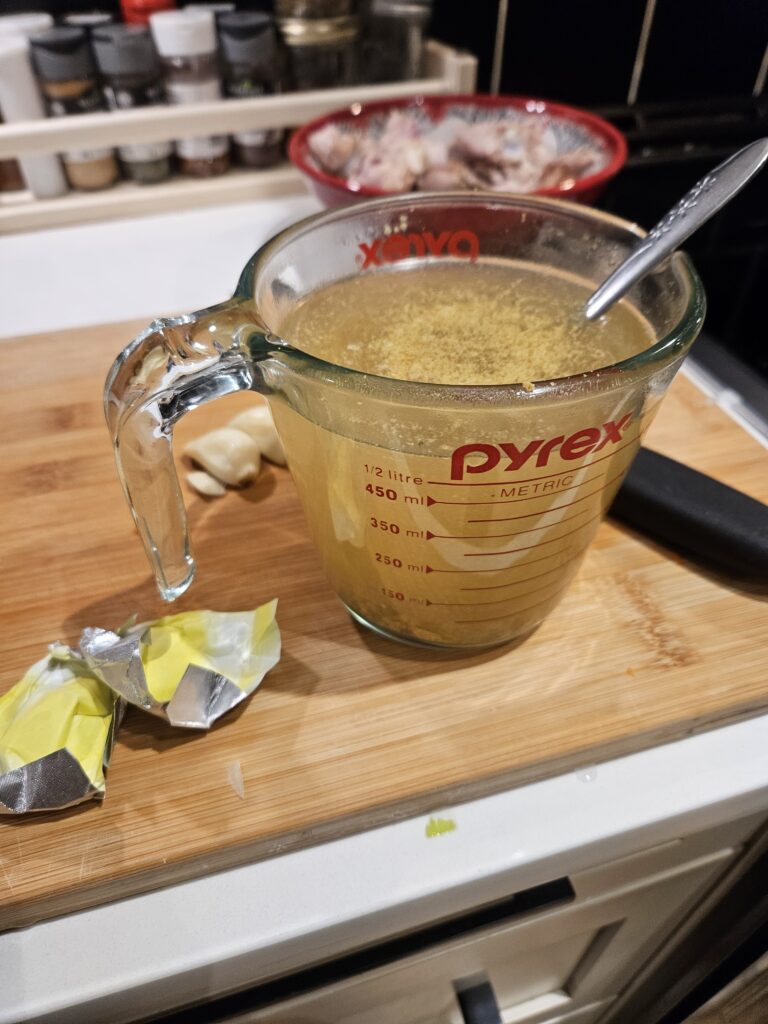
    5. Next in two cups of warm water dissolve 4 chicken broth cubes.
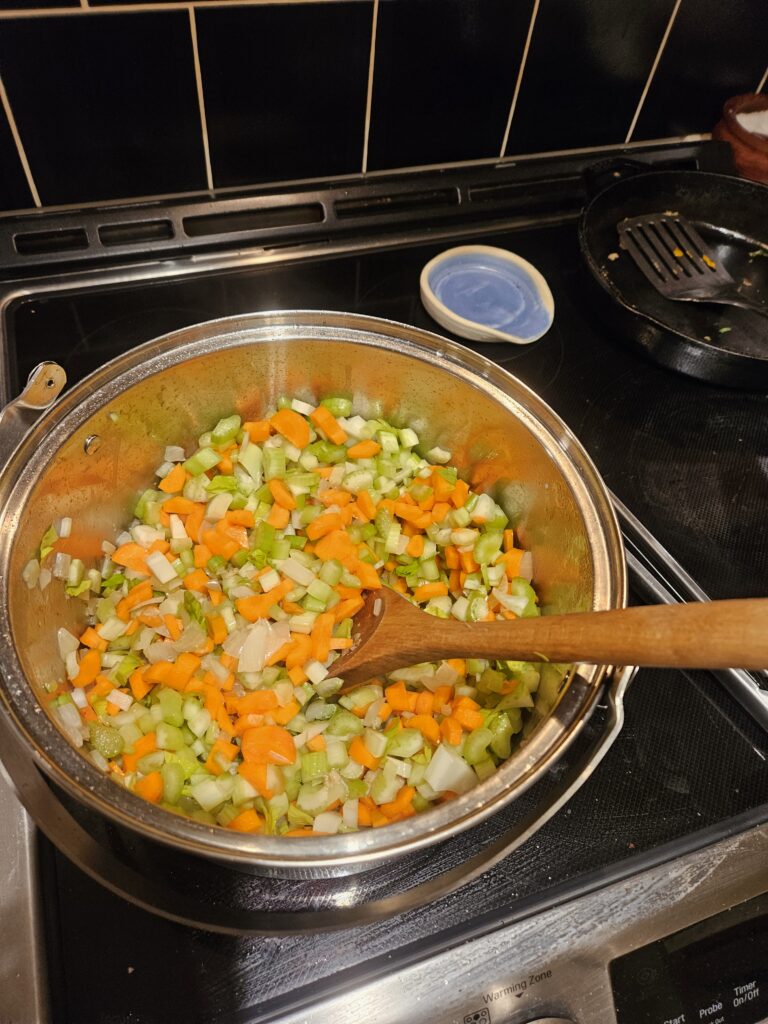
    6. Add your carrots, celery, and 2 cups of chicken broth to the pot along with another 6 cups of water. Put the chicken thighs back into the soup as well.
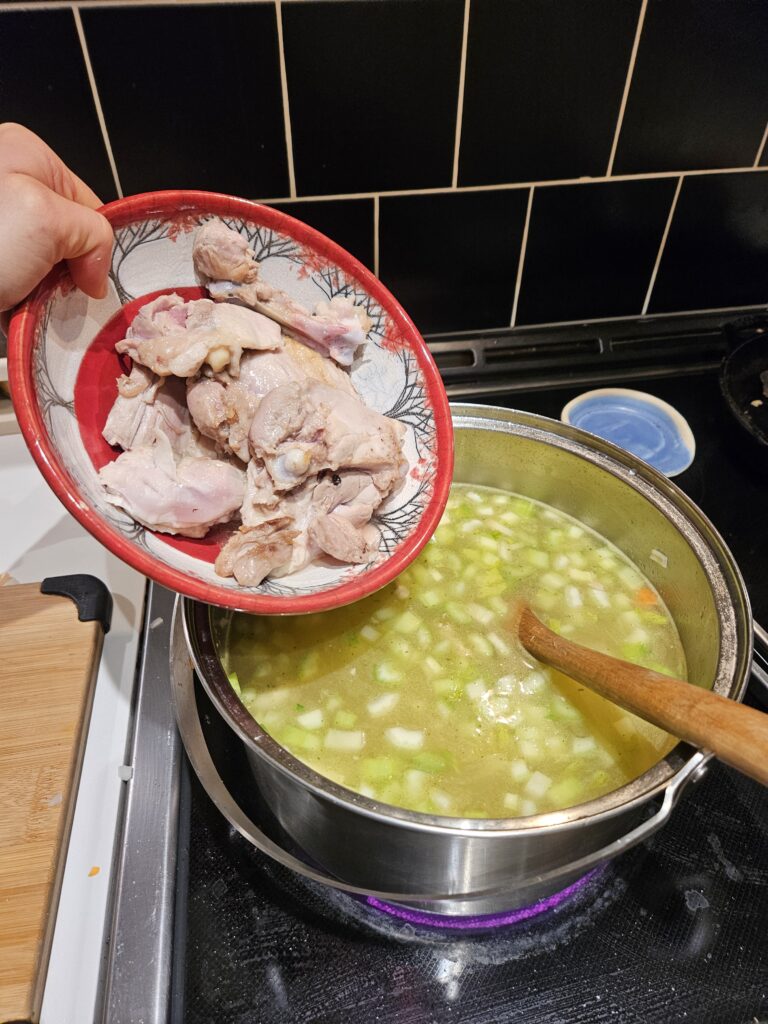
    8. Turn the heat up to high and bring to a boil, once a boil is reached add your crushed garlic and let simmer for 25minutes.
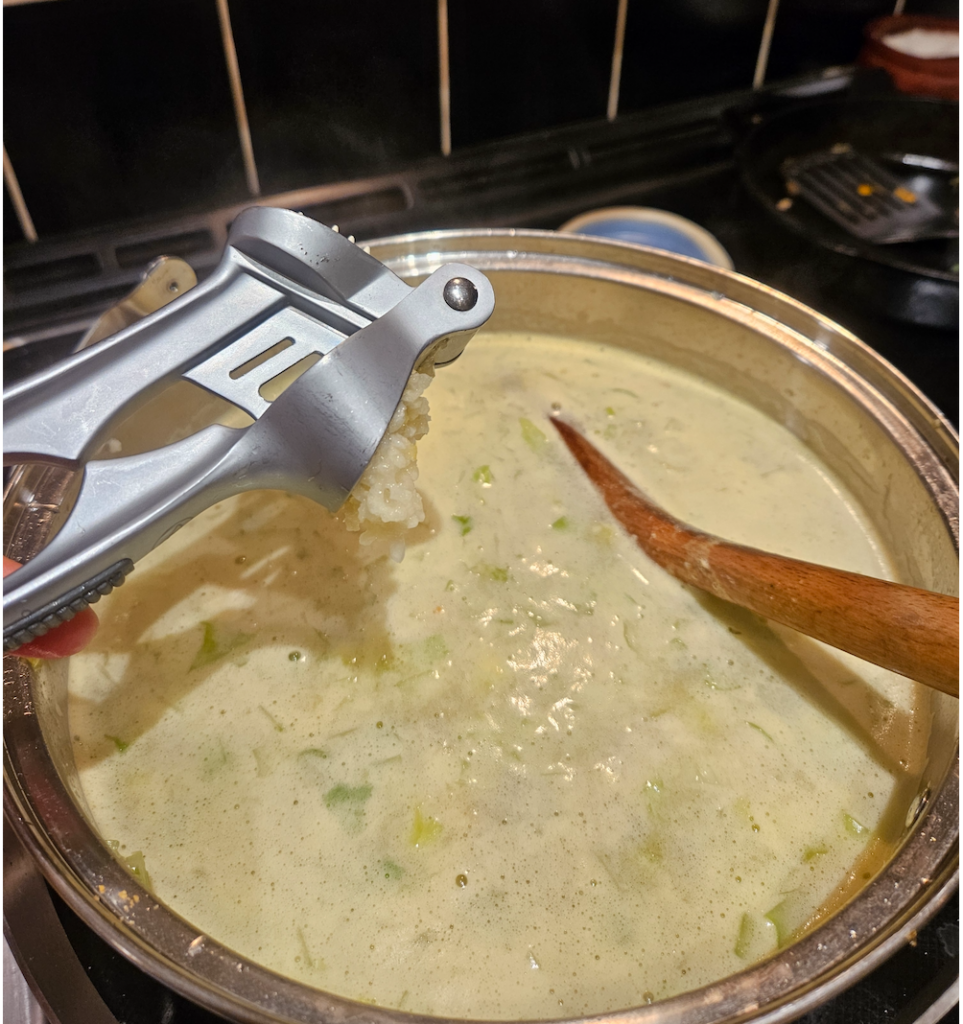
    9. Once you have let the soup simmer, add about half the package of spaghetti pasta, let cook for 8 to 10minutes.
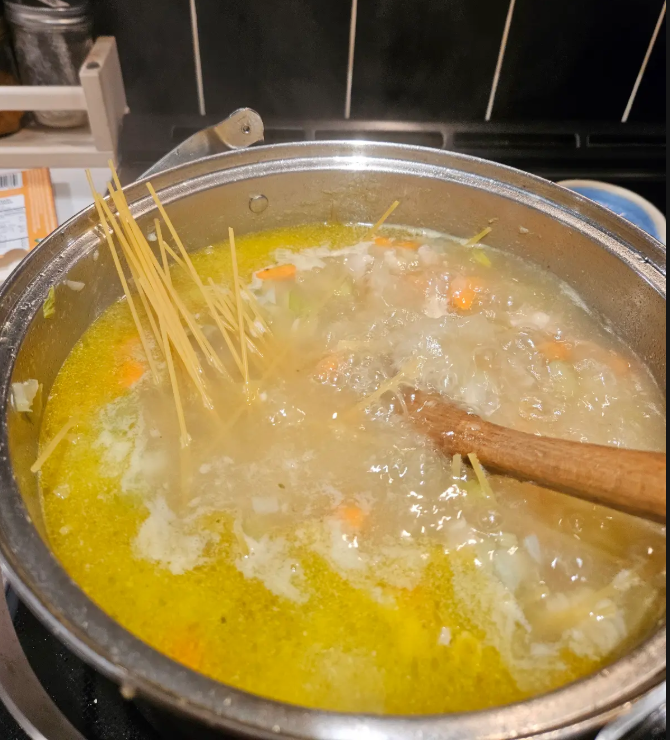
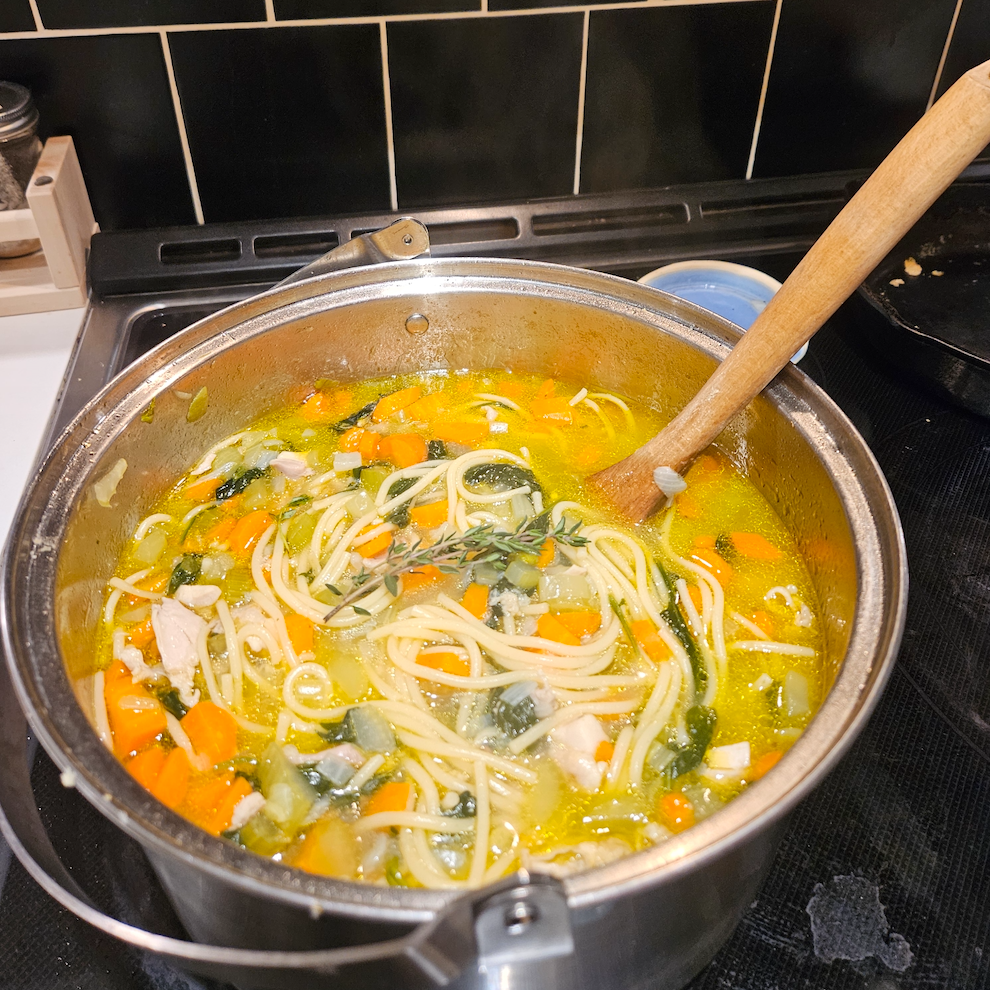
    10. It is ready to serve when the noodles are cooked through. I added half of a bag of spinach right at the end which cost an additional $1.50 to the total meal, however I did not use all of the carrots, the chicken broth cubes, and only half the package of spaghetti noodles so we can estimate that it cancels out with the price of the spinach. Enjoy this cheap meal!

      Weekly reflection Nov. 5th

      Today in class we talked in depth about privacy through FOIPPA which stands for Freedom of Information and Protection of Privacy Act. I think this made me reflect on my future practice as a teacher and how important it is preserve my students personal privacy. I really appreciated being introduced to many different resources such as Openverse, Unsplash, Pexels, Flaticon, and OER Commons. When exploring the Pexels resource, as a geologist, I could not help myself to search geology related photos. I found this incredible photo taken by Soran Ali of a malachite rich stockwork that is cross-cutting what looks like either quartz or calcite veins and a fine grained dark colored peridotite with olivine. I see that this reliable photo bank resource will be very useful for making lesson plans of all sorts and during activities with my students.

      Weekly reflection Nov.3rd

      Today we had our first “Technology and Innovation in Education” which is exciting because times are changing and we are in the thrust of Artificial Intelligence. I am really looking forward to acquiring a wide range of reliable resources that I will be able to fallback on during practicum and then once I am done my teaching degree. I found it interesting that we have the chance to create a website on which we can explore a a free inquiry project. I would not say that I gravitate towards technology as a person, I tend to prefer pen and paper, hands on learning, learning in the outdoors, learning through experiences etc. I hope that this class opens my eyes to the potential positives of technology use in the classroom and I become more comfortable with technology overall.

      Welcome and Introduction

      Before proceeding with this first blog post, we expect you to consider your privacy preferences carefully and that you have considered the following options:

      1. Do you want to be online vs. offline?
      2. Do you want to use your name (or part thereof) vs. a pseudonym (e.g., West Coast Teacher)?
      3. Do you want to have your blog public vs. private? (Note, you can set individual blog posts private or password-protected or have an entire blog set to private

      First tasks you might explore with your new blog:

      • Go into its admin panel found by adding /wp-admin at the end of your blog’s URL
      • Add new categories or tags to organize your blog posts – found under “Posts” (but do not remove the pre-existing “Topic Reflections”, or “Lesson Plan & Materials Creation” categories). If you would like to add more course categories, please do so (e.g., add EDCI 306A with no space for Music Ed, etc.)
      • See if your blog posts are appearing on the course website (you must have the course categories assigned to a post first and have provided your instructor with your blog URL)
      • Add pages
      • Embed images or set featured images and embed video in blog posts and pages (can be your own media or that found on the internet, but consider free or creative commons licensed works)
      • Under Appearance,
        • Select your preferred website theme and customize to your preferences (New title, etc.)
        • Customize menus & navigation
        • Use widgets to customize blog content and features
      • Delete this starter post (or switch it to draft status if you want to keep for reference)

      Do consider creating categories for each course that you take should you wish to document your learning (or from professional learning activities outside of formal courses). Keep note, however, that you may wish to use the course topic as the category as opposed to the course number as individuals outside of your program would not be familiar with the number (e.g., we use “EdTech” instead of “IED 336”).

      Lastly, as always, be aware of the FIPPA as it relates to privacy and share only those names/images that you have consent to use or are otherwise public figures. When in doubt, ask us.

      Please also review the resources from our course website for getting started with blogging: